By LAUNCH UK & IRELAND on Aug 25, 2026, 11:00:00 AM
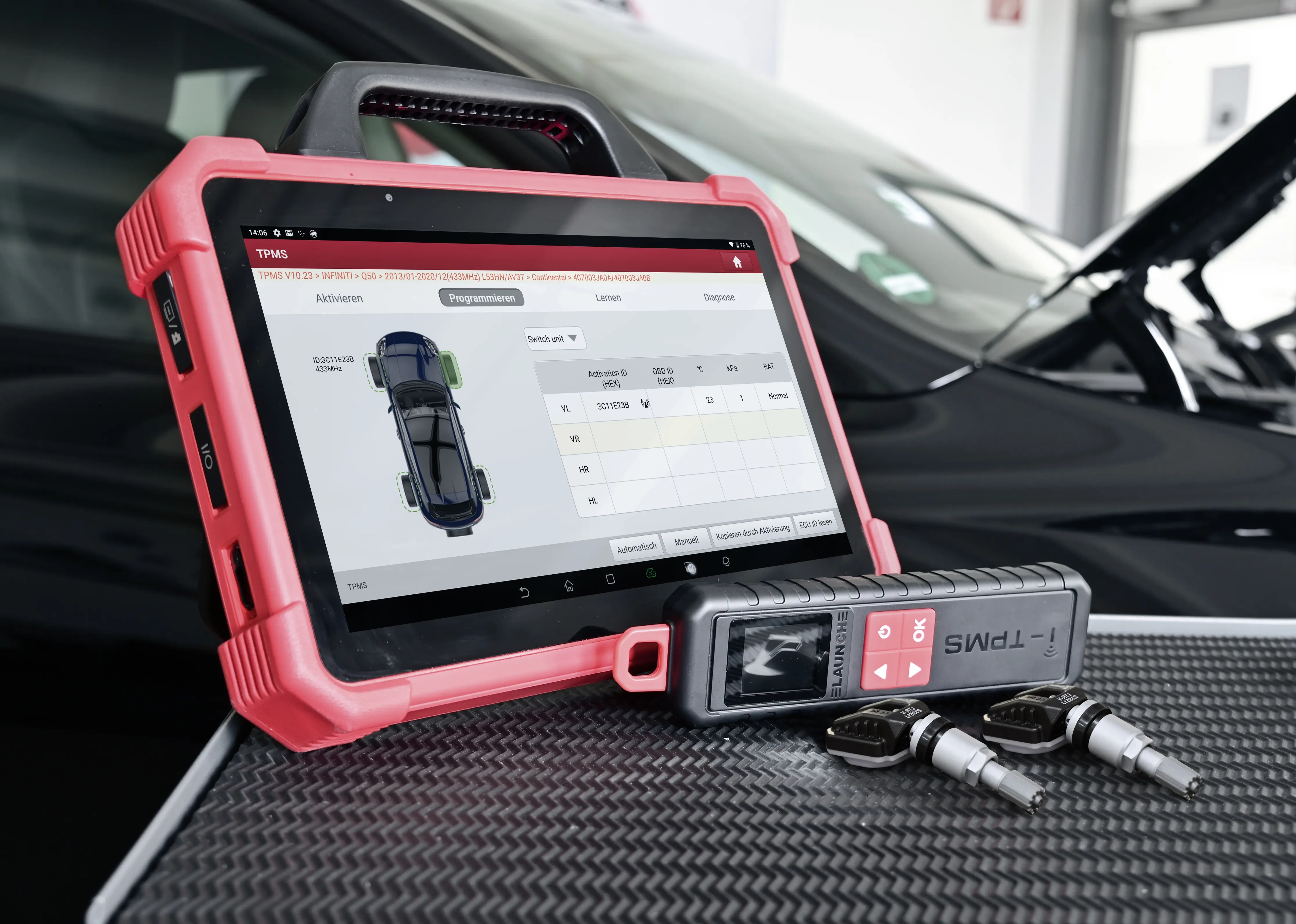
TPMS work sounds straightforward until a replacement sensor still leaves the warning light on. That is usually the point where a workshop realises sensor replacement is only one part of the job. The practical challenge is not just fitting a sensor. It is knowing how to reprogram TPMS sensors correctly, whether the vehicle needs activation, programming, cloning, relearn, or a mix of all four. Once that workflow is understood, TPMS work becomes faster, more predictable and more profitable. That is exactly why we position the i-TPMS as a workshop solution for diagnosing, managing and (re)programming TPMS sensors rather than simply reading them.
Start By Separating Programming From Relearn
This is the confusion that causes most comebacks. External TPMS guidance is clear that programming and relearn are not the same procedure. Programming is an extra step used when a programmable, universal or cloneable sensor needs the correct vehicle application or sensor data written to it before installation. Relearn is the step that teaches the vehicle to recognise the installed sensor IDs correctly. In other words, programming prepares the sensor, while relearn pairs the vehicle to it. If a workshop skips that distinction, it can complete the tyre work but still fail the TPMS job, which is exactly why so many seemingly simple TPMS reprogramming and replacements come back with the warning still active.
Know When Each Route Applies
A practical workshop approach starts with deciding which route the vehicle and sensor actually need. If the original sensor is still readable and a clone strategy is suitable, cloning can be the quickest path because it copies the relevant ID information into the replacement sensor. If the replacement sensor is programmable rather than pre-configured, it may need vehicle-specific programming before fitting. After that, the vehicle may still require a relearn procedure depending on its OE logic. Some cars can complete that through an auto relearn drive cycle, others need an OBD relearn, and some use a stationary relearn sequence. The correct route depends on the vehicle, not on guesswork, and that is where a repeatable workshop method becomes far more valuable than simply trying the most familiar path first.
At A Glance: A Practical TPMS Workshop Sequence
|
1. Identify the path |
Confirm whether the vehicle needs cloning, programming, relearn or a combination |
|
2. Read the existing sensors |
Activate all sensors and confirm IDs, pressure, temperature and battery status before replacing anything |
|
3. Prepare the replacement correctly |
Use the correct vehicle application or cloning route for the new sensor |
|
4. Complete the relearn |
Follow the OE-required auto, OBD or stationary procedure for that vehicle |
|
5. Verify the result |
Check live data and confirm the vehicle has accepted the sensor IDs before handover |
Use A Workflow That Proves What Is Happening Before You Fit Anything
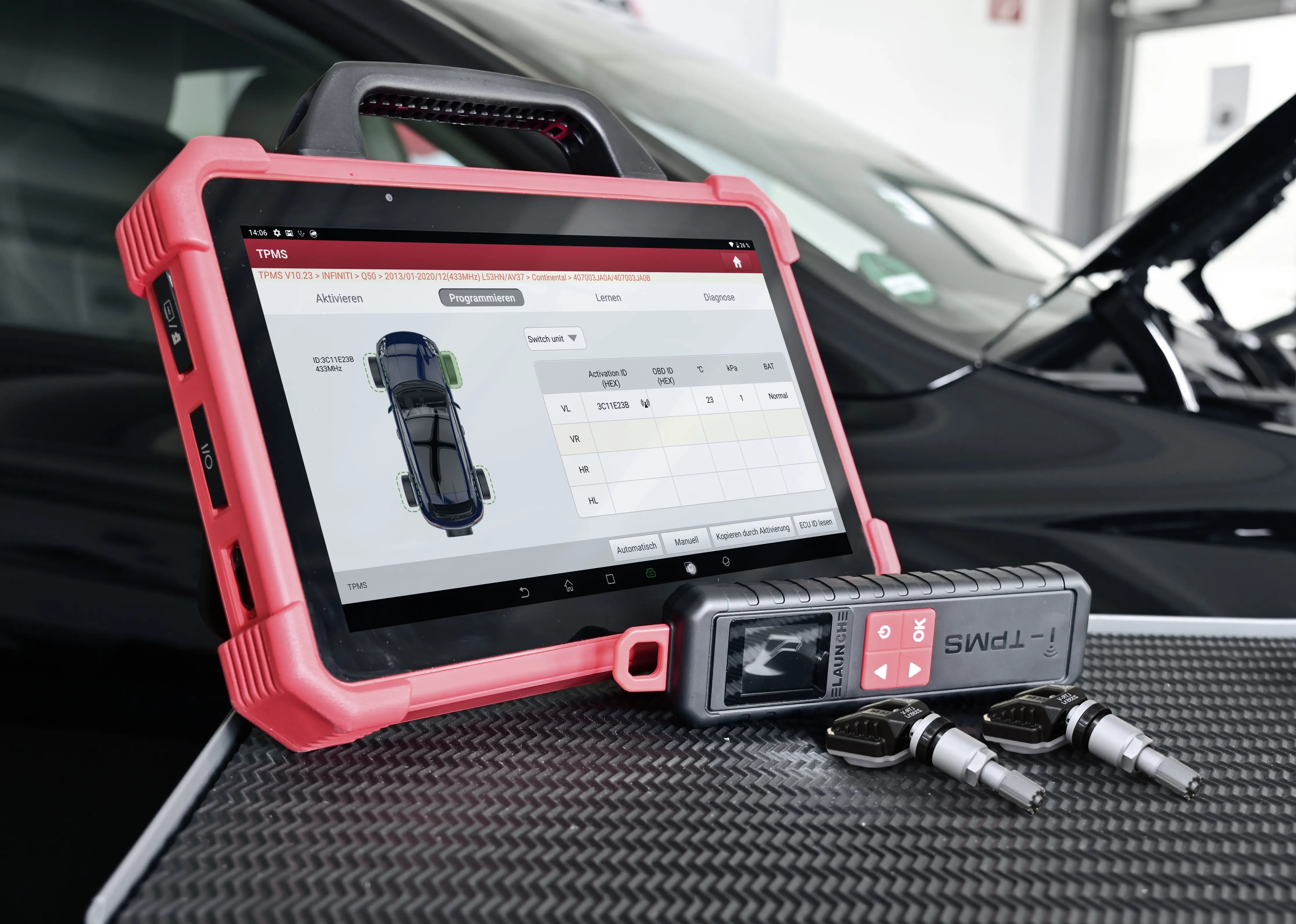
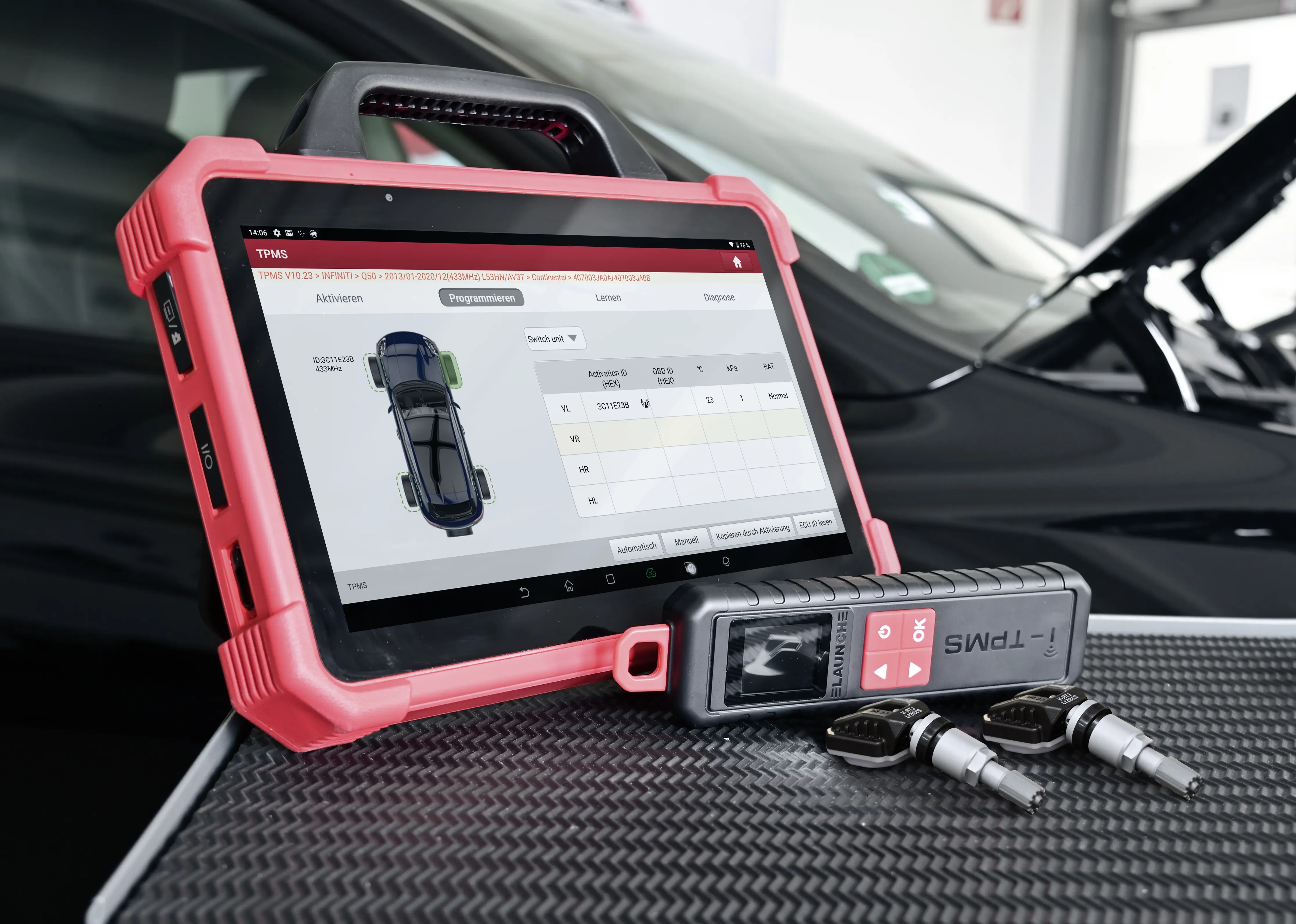
This is where tool choice starts to matter. We position the i-TPMS as an all-in-one TPMS tool because it allows the workshop to activate, read, programme, clone and relearn sensors in one device. Just as importantly, it gives access to live sensor information such as pressure, temperature, battery status and sensor ID. That matters in the bay because the first job is to confirm whether the old sensor is dead, weak, unreadable, wrongly positioned or simply not registered correctly. A workflow that starts with activation and live data is far safer than replacing hardware on assumption, especially when battery condition, missing IDs or weak communication are already telling you where the problem sits.
A Simple Practical Workshop Process
In real use, the process should stay disciplined. First, identify the vehicle and confirm which TPMS path it requires. Second, activate and read every sensor so you know what is still communicating and what is not. Third, decide whether the job calls for replacement, cloning or new sensor programming. Fourth, use the correct relearn route for that vehicle, whether auto, OBD or stationary. Finally, verify the repair by checking the returned live data and confirming the system has accepted the sensor IDs. This kind of structure is what reduces wasted labour time and protects the workshop from handing a vehicle back with a warning still active.
Why The I-TPMS Fits This Kind Of Work
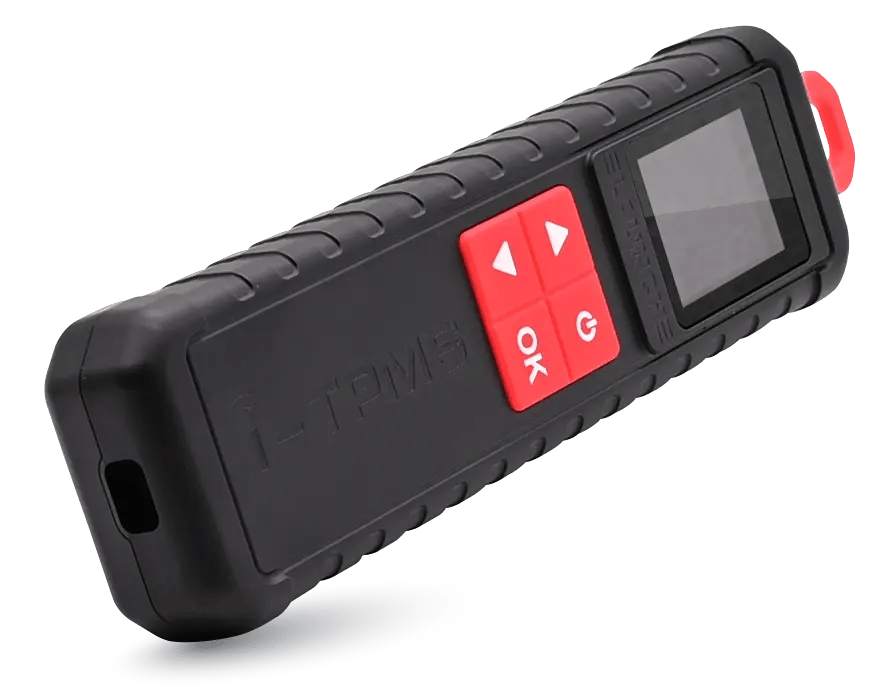
We describe the i-TPMS as ideal for workshops because it combines the functions that matter most in one practical process. It supports more than 98% of TPMS-equipped vehicles, works with almost all TPMS sensors currently available, and can read sensor IDs as well as activate, programme and clone sensors. Bluetooth integration with LAUNCH X-431 devices, OBD support, wireless RF communication and guided operation all help keep the job moving. For a workshop, that means fewer tool changes, less uncertainty and a stronger chance of completing TPMS jobs cleanly the first time.
The Real Causes Of TPMS Comebacks
Most TPMS comebacks are not caused by the idea of reprogramming itself being difficult. They come from process errors: programming a sensor but forgetting to relearn, attempting a relearn without confirming the sensor condition first, using the wrong vehicle application, or assuming every make follows the same sequence. That is why a practical guide needs to emphasise discipline more than theory. When the tool can show live values, confirm IDs and support the correct route, the workshop has a much better chance of avoiding repeat visits and unnecessary frustration.
Final Takeaway
Reprogramming TPMS sensors is best treated as a workflow, not a single action. The workshop needs to know what the vehicle requires, what the replacement sensor needs, and how the final relearn will be completed. Once those steps are handled in the right order, TPMS work becomes far easier to control. That is the value of using a dedicated process-led tool like the i-TPMS: it helps turn a potentially messy warning-light job into a structured service the workshop can deliver with confidence.
If your workshop wants to reduce TPMS comebacks, the priority is not just replacing sensors faster. It is building a repeatable process for activation, programming, cloning and relearn that the whole team can follow confidently, then contact us to discuss further.


Do You Have to Program TPMS Sensors? What Garages Need to Know
What Can a TPMS Tool Do Beyond Reading Sensor Faults?